How to Set Up and Join Online Meetings Part 2

*Our use of ZOOM or giving instruction on how to set up or use is not intended as an endorsement of ZOOM, but a use of their service to help carry the message and help Compulsive Overeaters be able to join in online meetings.

Virtual meetings can be held via Phone and Zoom which is a virtual video chat on-line. This part of a Tutorial series that will take you through the steps needed. 

In the last tutorial, you had  opened a Zoom account now let’s download and install the Zoom app on your computer….

STEP 2

HOW TO DOWNLOAD & INSTALL ZOOM:

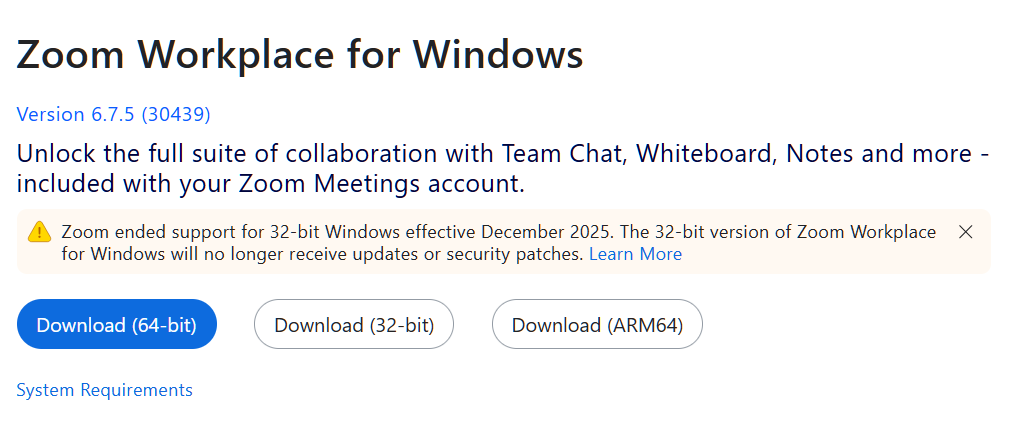
On your Computer, laptop, tablet, or Ipad go to https://zoom.us/support/download .

A page will appear and if you are on your laptop, it will suggest what will support,
Mine suggested what appeared in the blue button. 

Click Download (64-bit)

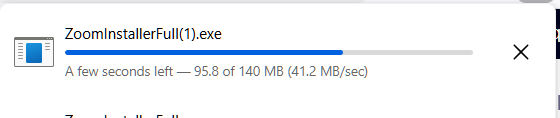
ZoomInstallerFull exe will download to where your downloads go on your laptop.

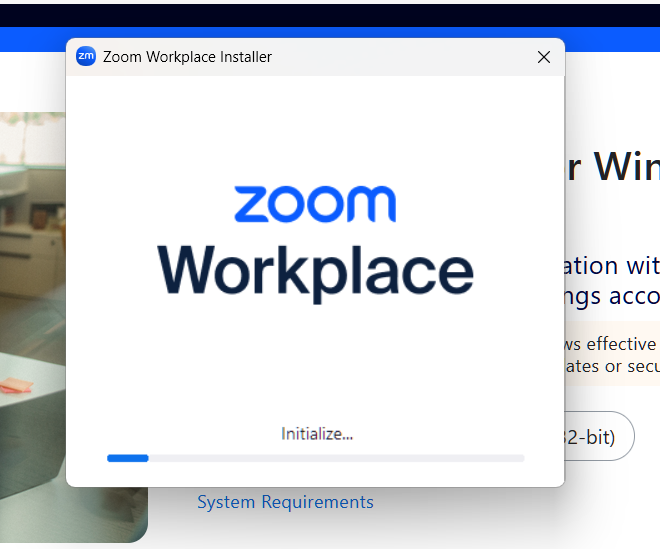
Double Click on the ZoomInstaller exe wherever you save your downloads and a box will pop up, click “Save File

Zoom will install. 

Zoom has installed on your computer/laptop.

Remember if you have any problems, reach out and email us at convention@oavirtualregion.org 

Proceed to next Tutorial ” How to Join an online Meeting